
Looking for a “busy light” for your Plantronics/Poly, Jabra or EPOS Headset? Leave a comment
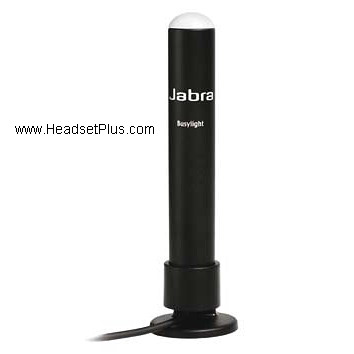
The Jabra On-Line Busy Light is an offer compatible with the Jabra Link 860 and any of the corded Jabra headsets. Simply plug in the jack of the On-Line busy light to the Busy light port on the top of the Link 860. The port is located between the USB port and the telephone port and the Link 860 will activate the light on when on a call. Simply put the light on a proper place and using the included 3M adhesive tape. The Busy light can either rest on the desk or can be taped to the edge of your monitor as it has a 180 degree turntable foot.
For Poly (Plantronics) corded headsets you will need to use the MDA524 or MDA526 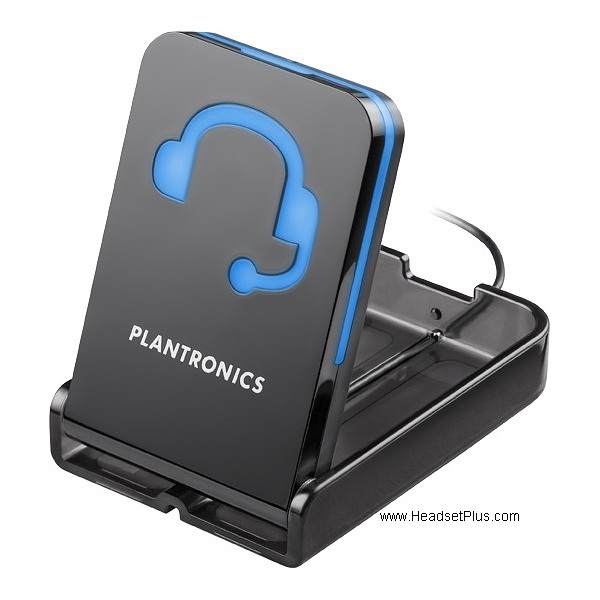 external amplifiers as they have a 3.5mm jack where you can plug in the Plantronics Savi/CS500 Series In-Use Busy light (OLI) or the Plantronics In-Use Busy light CS540 CS530 CS510 Savi 700. These busy lights are Poly wireless headsets compatible as
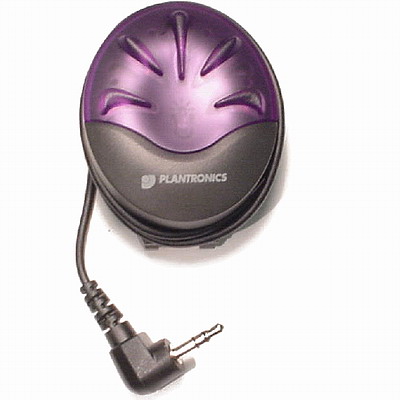 well. Making them really useful in a open office environment allowing user to know when on a call and if the built in busy light to the Poly wireless headset is not really noticeable.
Sometimes the length on the Plantronics busy lights is not long enough, if this is the case, you will need the Plantronics In Use Busy Light Extension Cable. This cable will work as an extension and will give you 6 feet more on length.
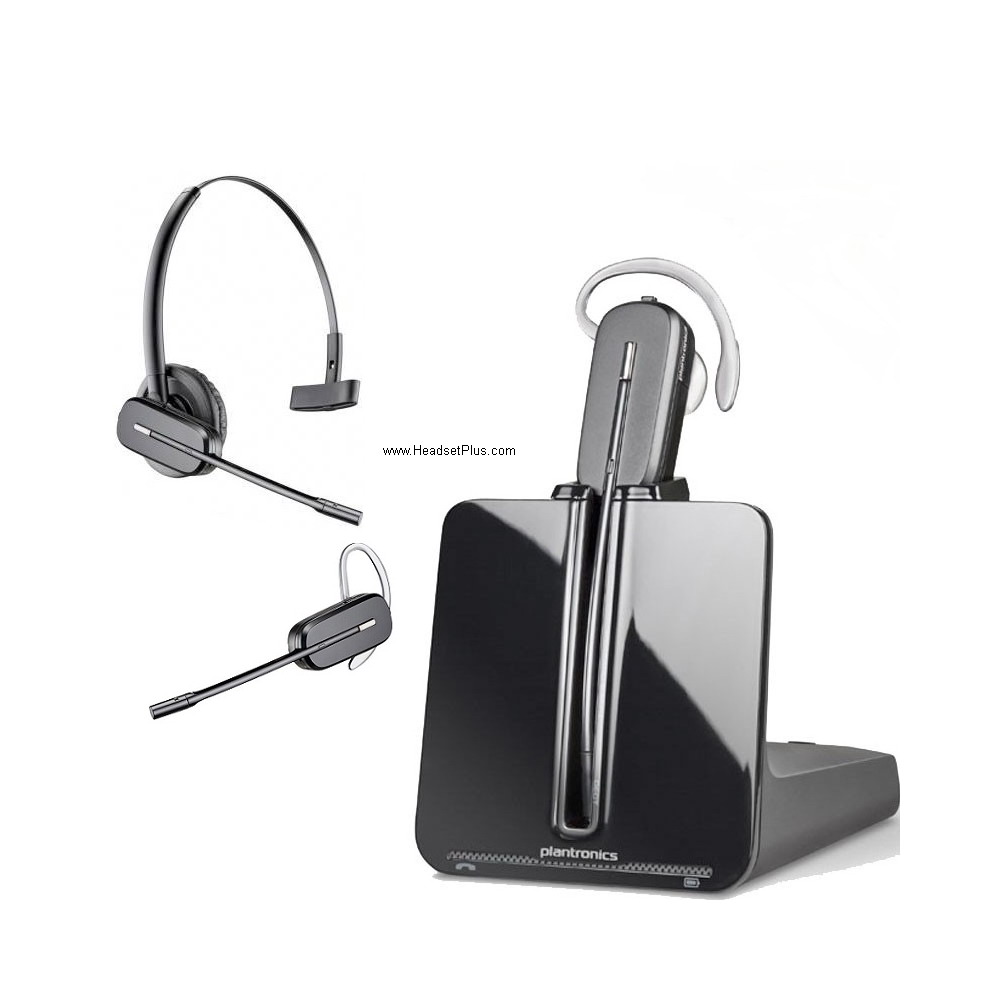 Poly Busy lights are not compatible with the M22 Vista amplifier, however they are compatible with Poly wireless headsets such as the CS540, Savi Office wireless headsets
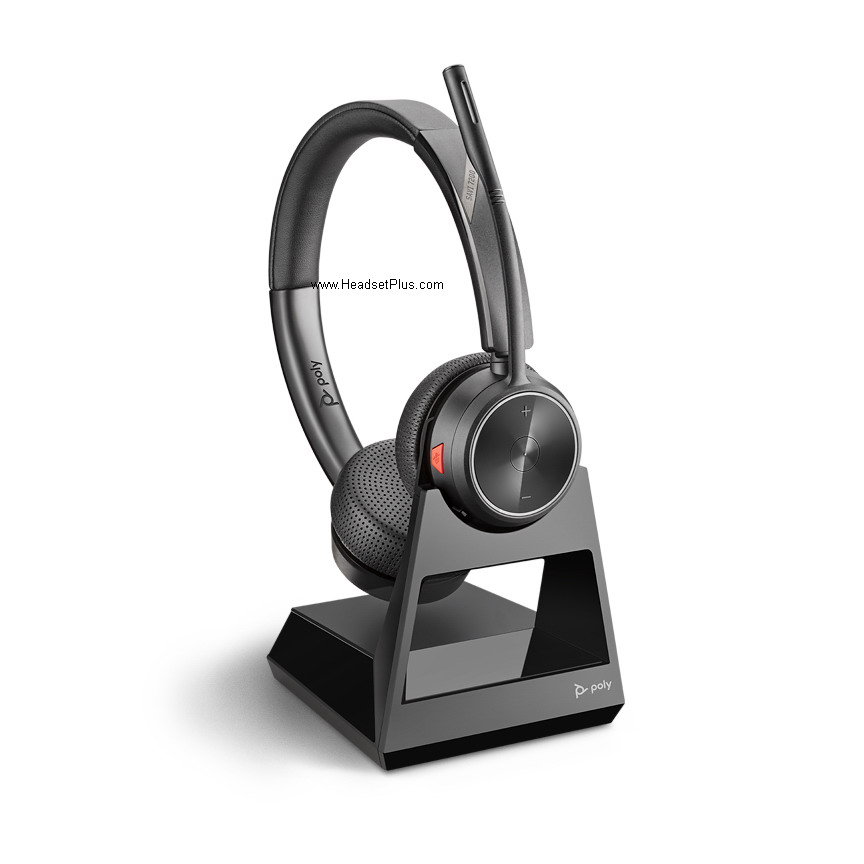 and Voyager Office wireless headsets.
Needing a busy light for just your office phone, this will work too! Just plug the included adapter into the handset/receiver jack of your telephone, then the handset into the adapter, now have a busy light for your office phone!
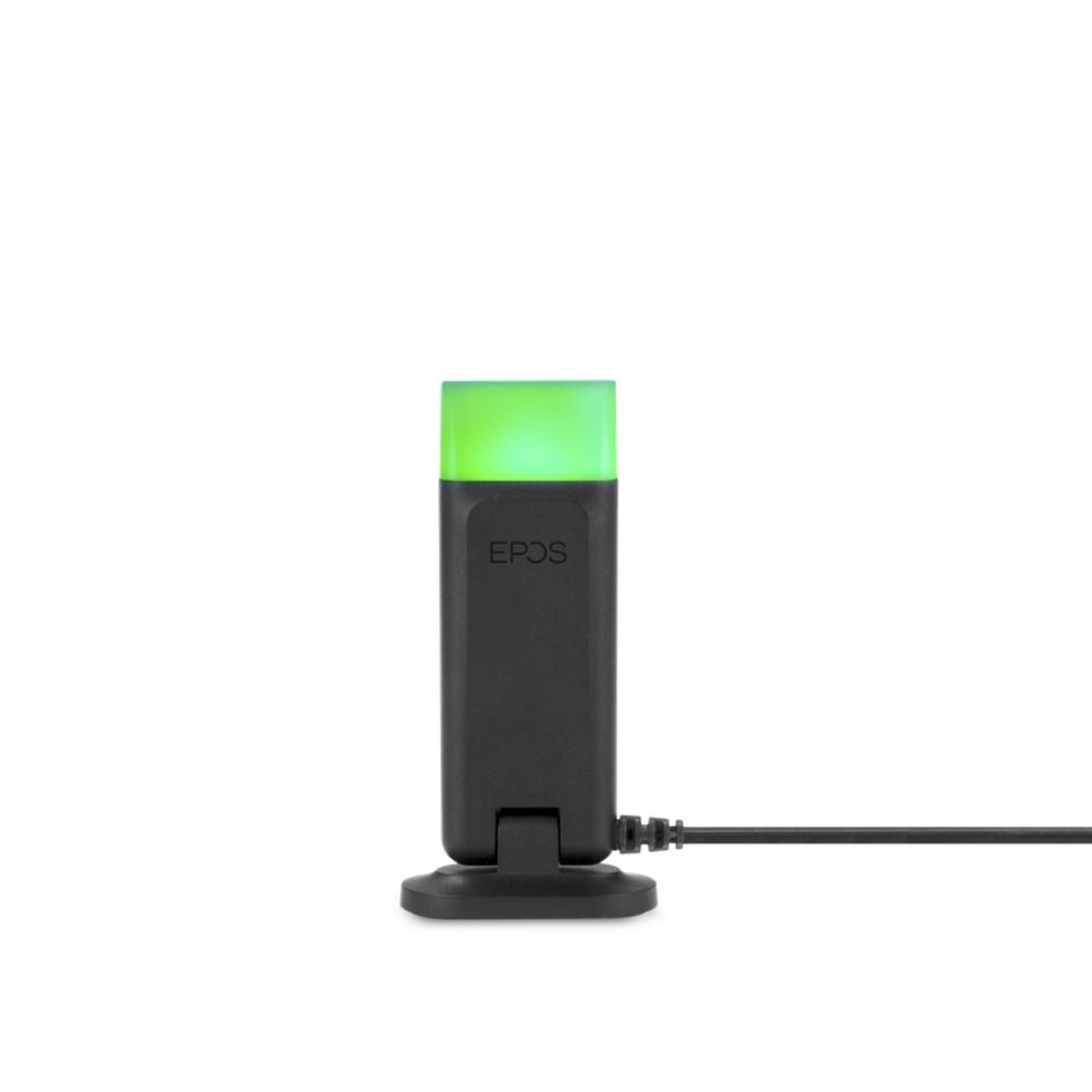 For EPOS wireless headsets, you will need the EPOS Busy Light for SDW Wireless Headsets 2.5mm Jack. The busy light is compatible only with SDW wireless headsets and plugs into the base of the SDW wireless headset base, the jack will be located on the back of the base and towards the left side, labeled with a blue label and the legend “Busy”.
This busy light is useful as it has 3 different colors, green meaning that you are available or streaming, yellow that refers as away or headset out of range and red that means busy on a call.
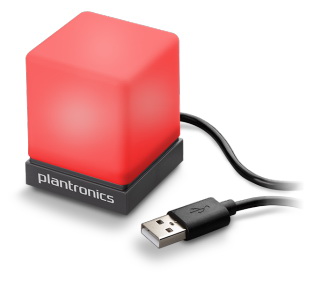 For your computer and in need of a busy light, you can get the Plantronics Status Indicator USB Light for UC Softphones, fully compatible with PC or MAC and compatible with all the Major UC platforms such as Teams and Skype. A nice and useful cube that can be let to rest on the desk and turns on when on a meeting call.
creditSource link
