
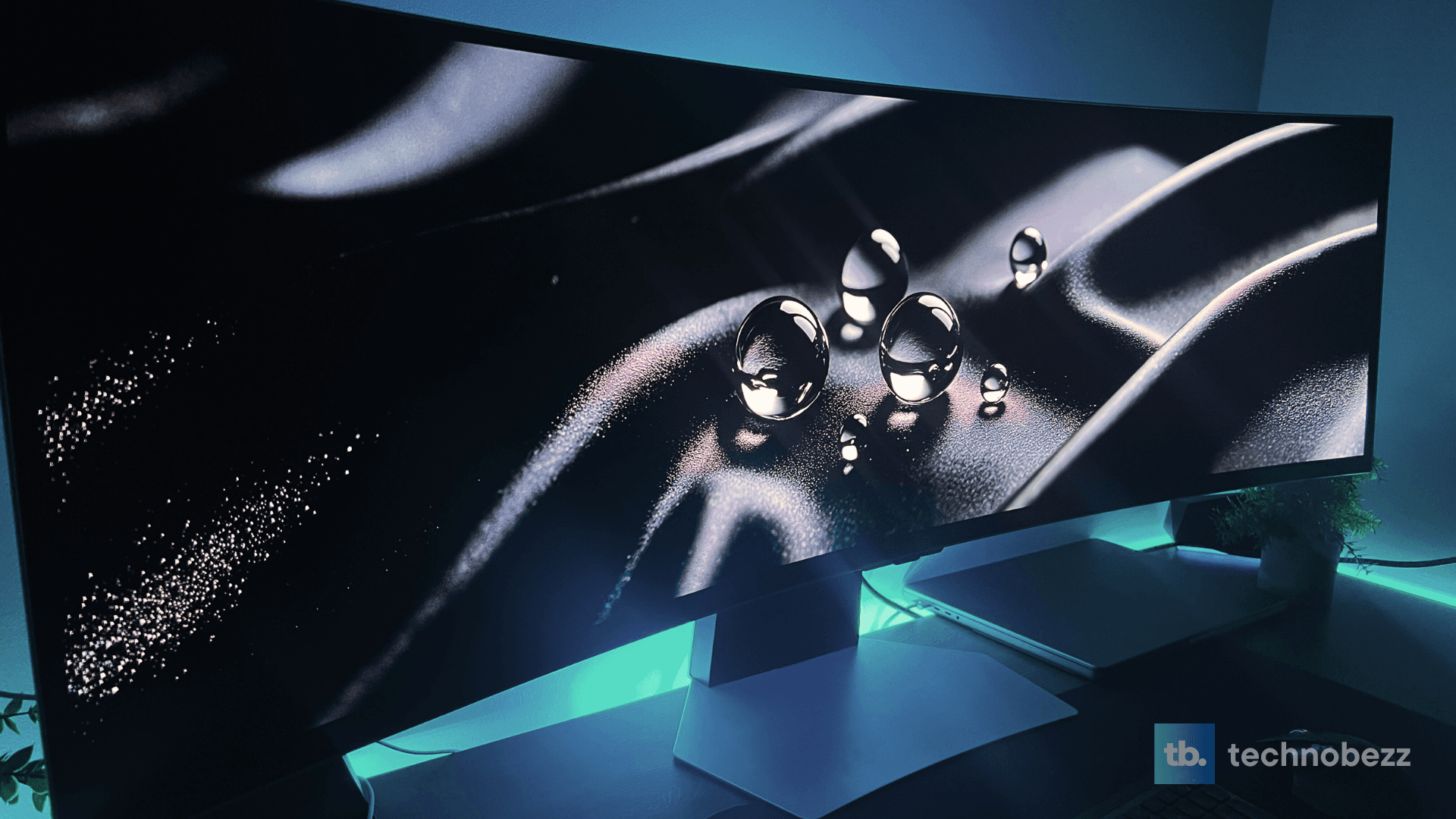
Samsung Odyssey OLED G9 Review: Is This the Best Monitor for Productivity and Gaming? Leave a comment
What I found is a monitor that delivers genuinely spectacular visual performance while simultaneously revealing some significant compromises. The 49-inch curved display with its 32:9 aspect ratio creates an immersive experience that’s hard to replicate with traditional monitors, but it comes with trade-offs that potential buyers need to understand. After extensive testing across gaming, productivity, and content consumption scenarios, I’ve discovered both the brilliance and the limitations of this premium display.
Design & Build Quality
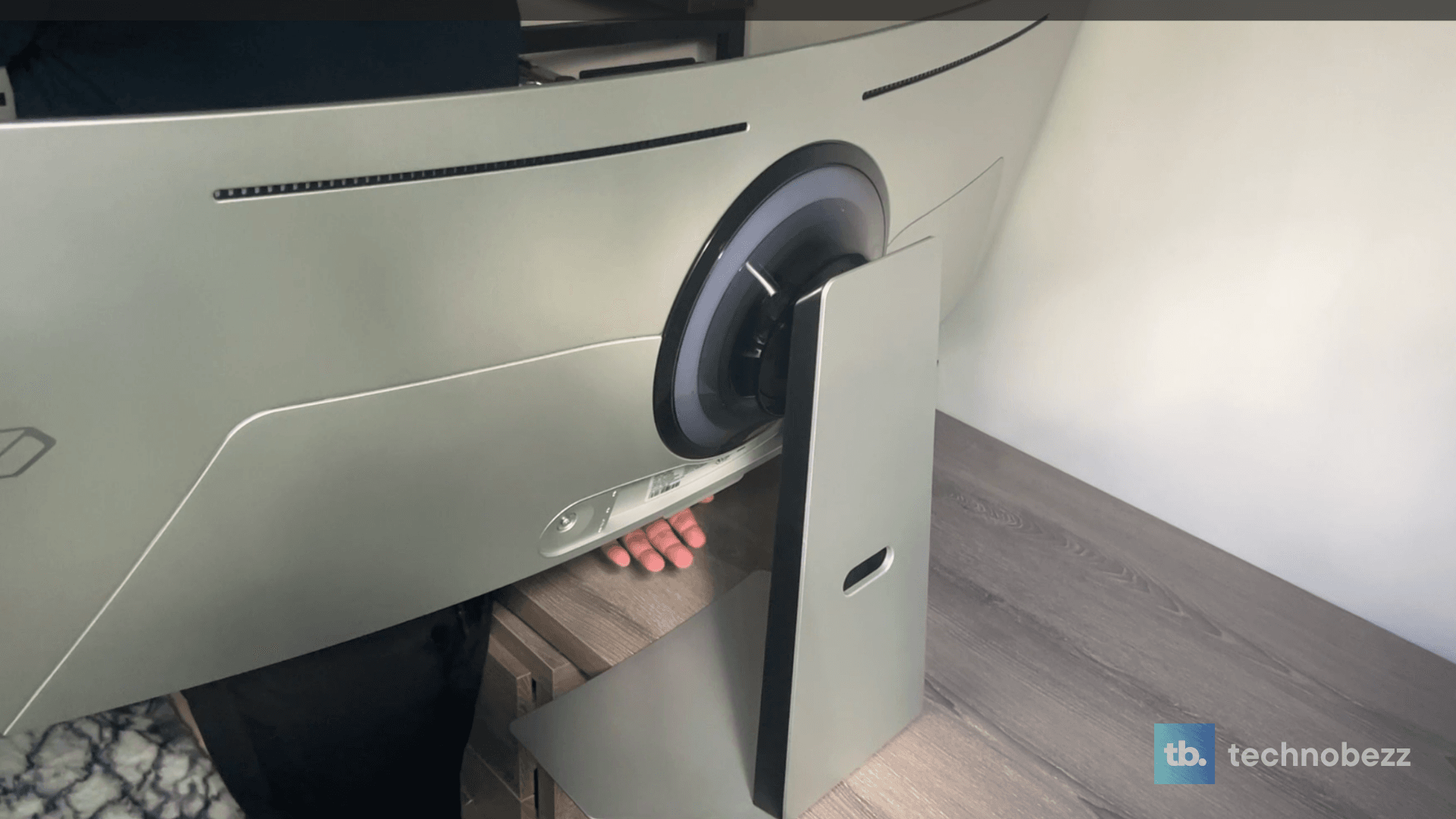
Let’s start with the physical presence – this monitor is massive. At 49 inches wide and weighing 28.4 pounds with the stand, it demands serious desk real estate. Samsung’s design team deserves credit for creating a monitor that doesn’t feel cheap despite its size. The metal finish and slim bezels give it a premium aesthetic, though I noticed the 4.5mm thickness at the edges feels more like marketing fluff than practical benefit.
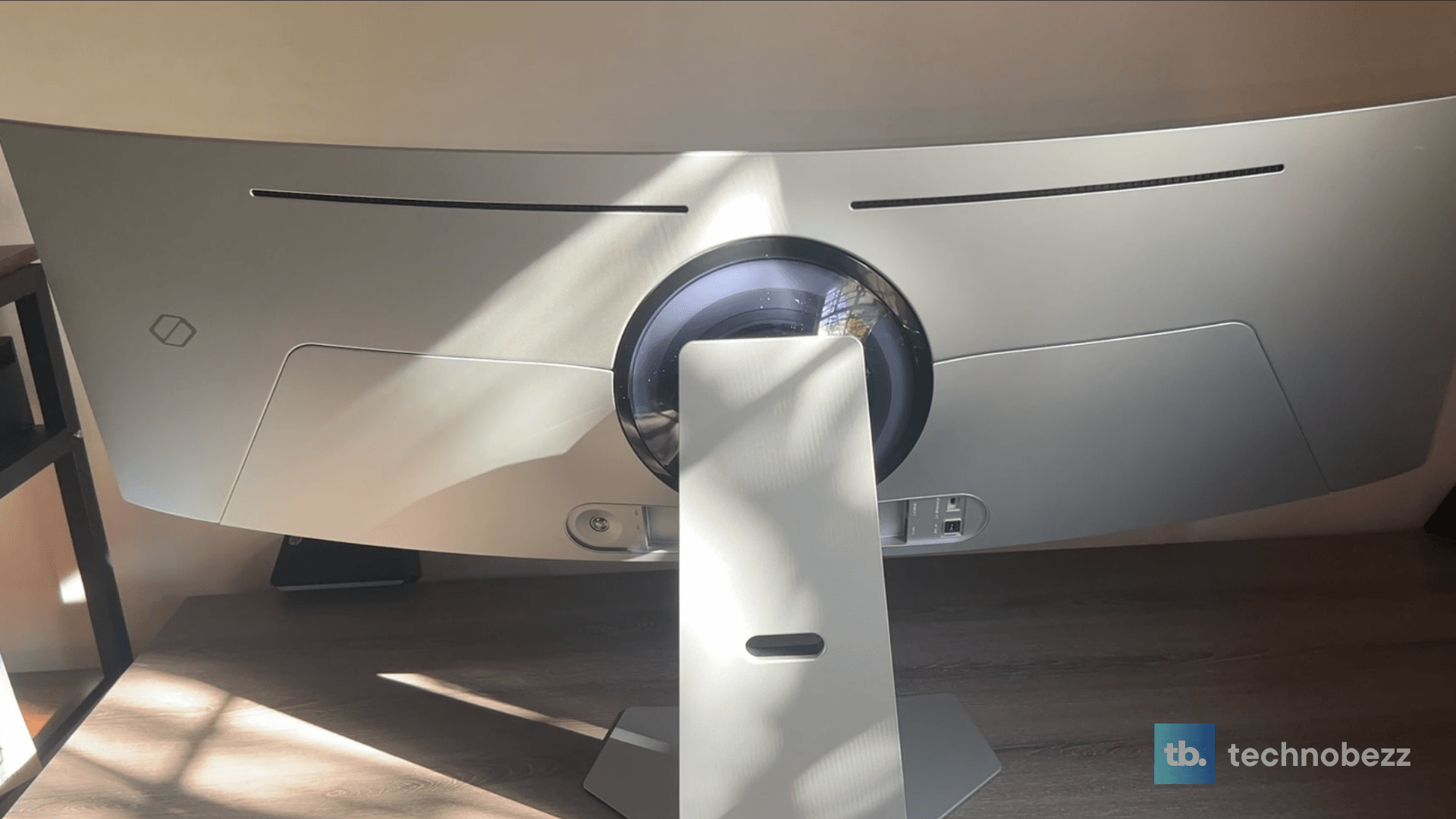
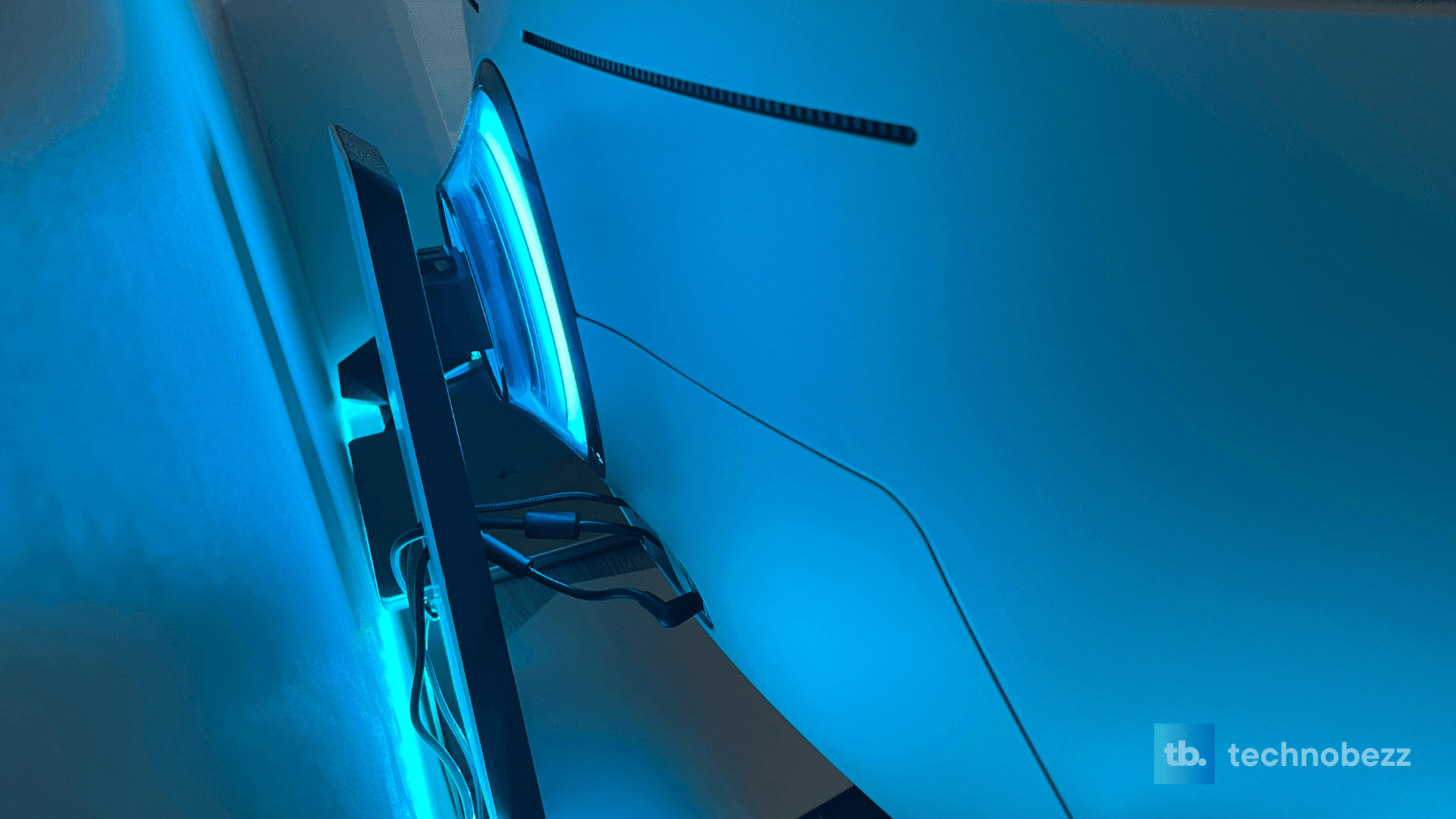
The included stand is surprisingly sturdy and aesthetically pleasing. I tested this on multiple desks and found it provides excellent stability, though the 4.7-inch height adjustment range feels somewhat limited for a monitor of this size. The tilt range of -2° to 15° is adequate but not exceptional. What impressed me was the RGB lighting at the back – it’s subtle enough to be tasteful rather than gaudy, which is a welcome departure from the over-the-top gaming aesthetics we often see.
One area where Samsung’s design choices deserve criticism is the port placement. The recessed connectors make cable management more challenging than it needs to be, and the lack of USB-C connectivity feels like an oversight at this price point. For a monitor that costs nearly $1,400, I expected more thoughtful connectivity options.
Display Quality: Where OLED Shines and Stumbles
This is where the Odyssey OLED G9 truly separates itself from the competition, and where my critical analysis becomes most relevant. The QD-OLED panel delivers exceptional color performance with 99% DCI-P3 coverage, creating vibrant, saturated colors that pop off the screen. In my testing, I measured peak brightness around 250 nits for full-screen content, with highlights reaching up to 1000 nits in HDR scenarios.
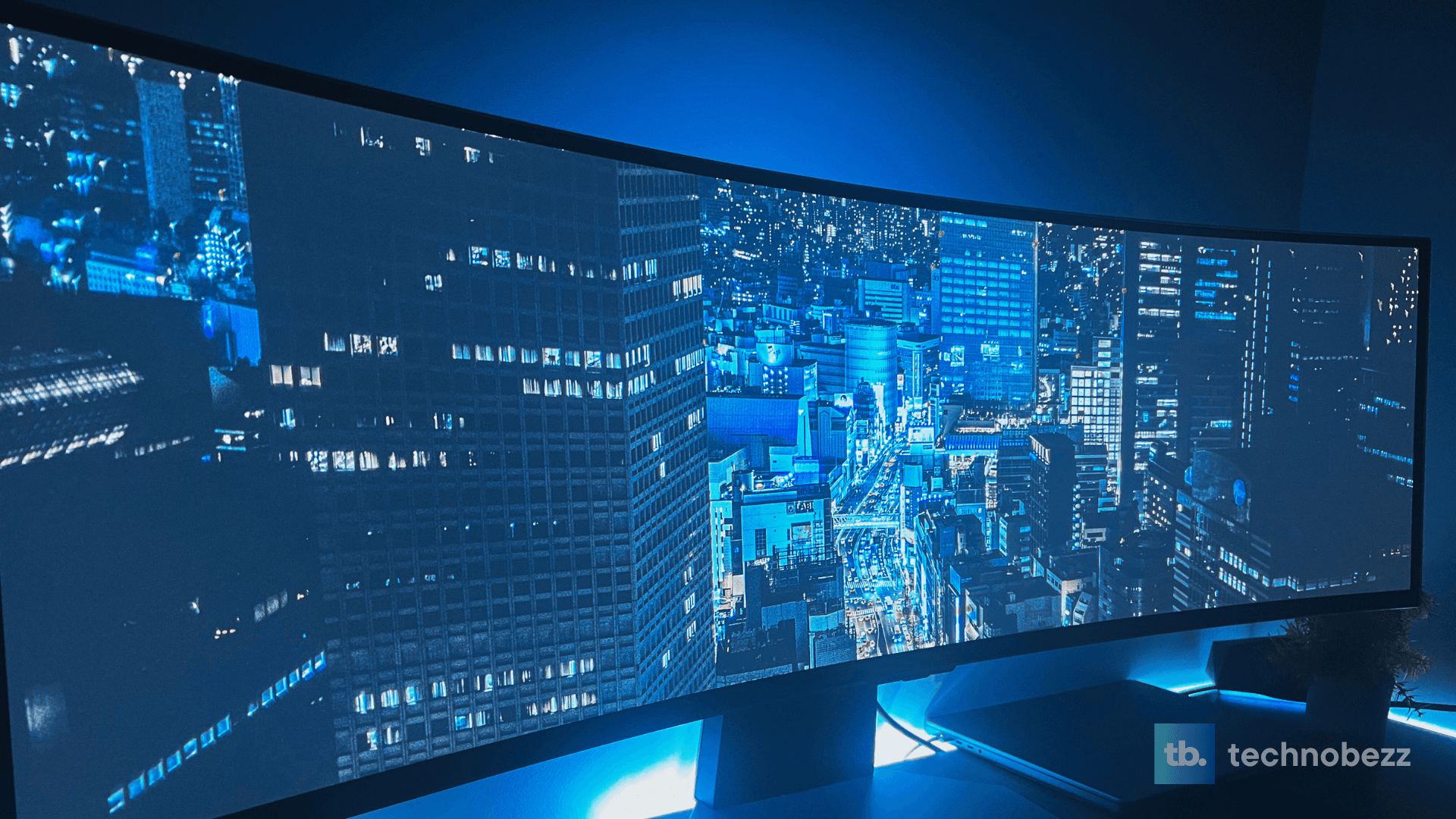
The infinite contrast ratio is the real star here. True blacks are genuinely black, not dark gray, and this creates a level of depth and immersion that LCD panels simply can’t match. However, I need to address Samsung’s marketing claims about the 0.03ms response time. While the panel is incredibly fast, real-world testing shows that the actual pixel response in practical scenarios is closer to what you’d expect from a high-end gaming monitor – excellent, but not quite the marketing promise.
The 1800R curvature is well-executed, it’s immersive without being distracting, and I found it much more comfortable for extended use than the aggressive 1000R curve on previous G9 models. The glare-free coating works effectively, reducing reflections without significantly impacting image clarity.
Performance & Gaming Experience
Gaming on the Odyssey OLED G9 is a genuinely transformative experience, when it works properly. The 240Hz refresh rate combined with G-Sync compatibility creates buttery-smooth gameplay that feels incredibly responsive. I tested this with my RTX 5070 Ti setup and found the monitor handled demanding titles exceptionally well.
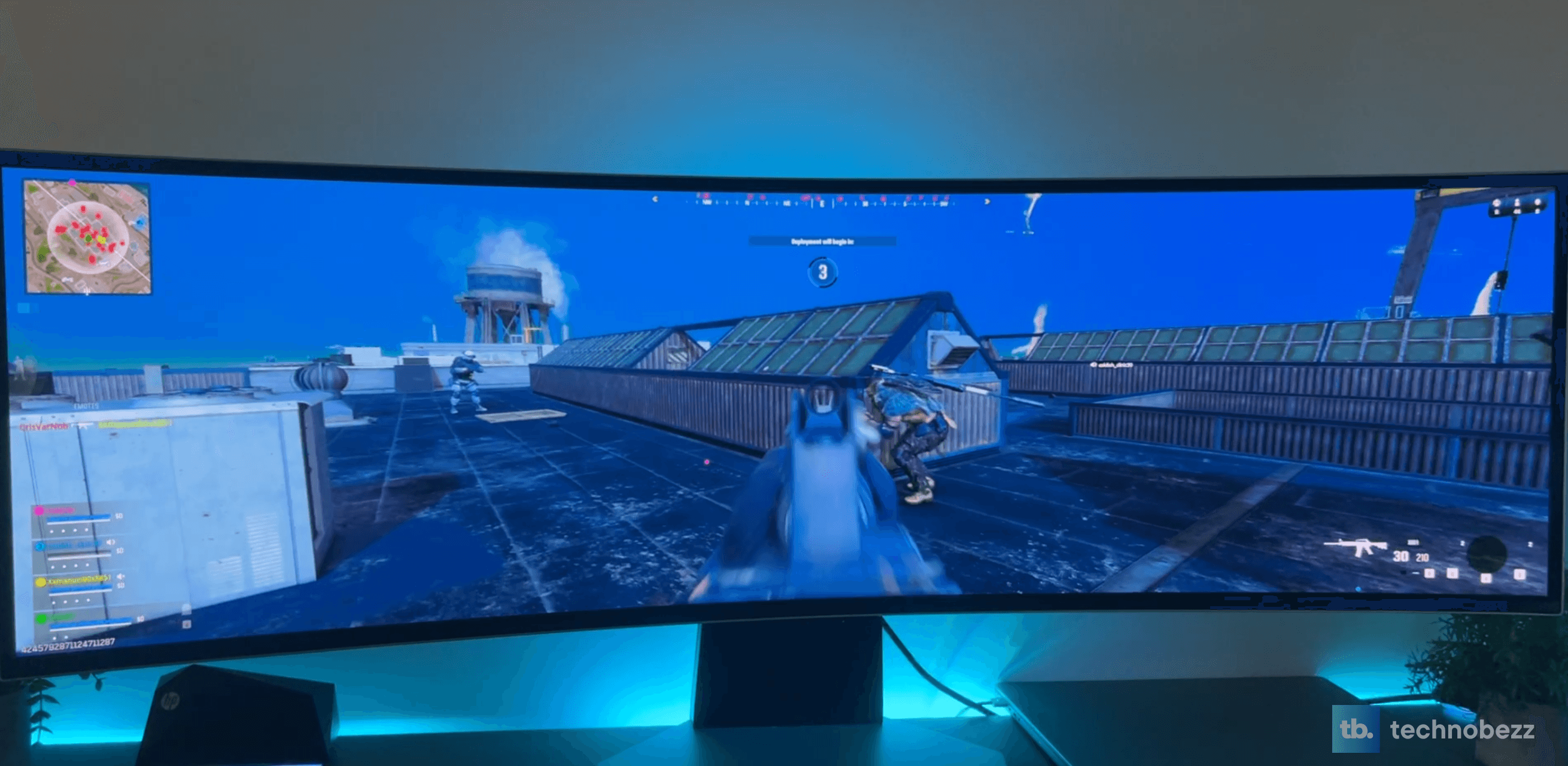
However, I encountered several issues that potential buyers need to consider. First, the 32:9 aspect ratio support in games is inconsistent. While newer titles like Cyberpunk 2077 and modern shooters handle it beautifully, many older games and even some recent releases require mods or third-party tools to work properly. The black bars on unsupported content are distracting and defeat the purpose of this expensive display.
The built-in gaming features are comprehensive but sometimes confusing. The Game Bar that appears when holding the play/settings button offers extensive customization options, but the interface feels cluttered and unintuitive. The Dynamic Black Equalizer works well for improving visibility in dark scenes, though I found it occasionally over-processes the image.
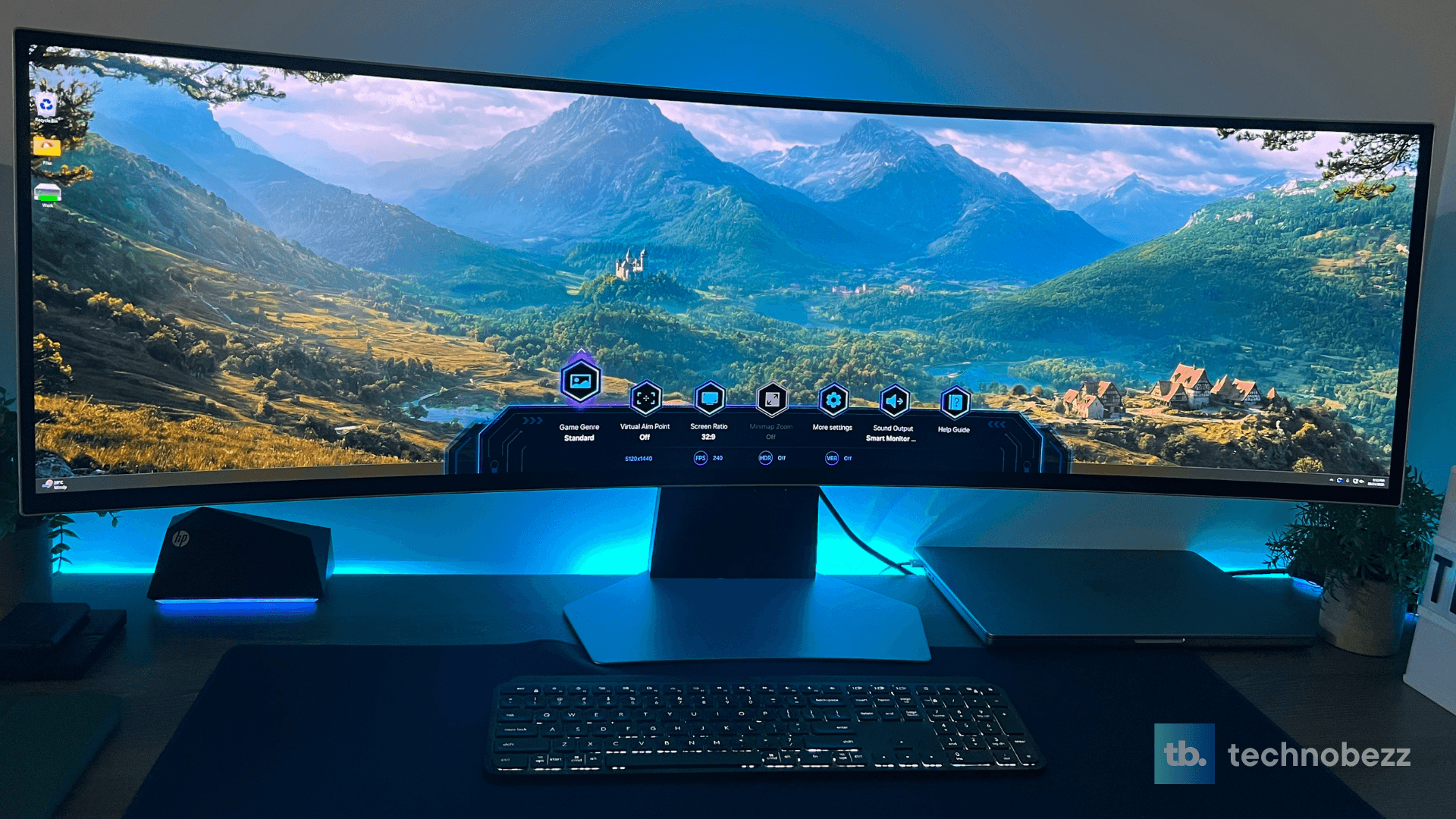
Input lag measured at around 1ms in my testing, which is excellent for competitive gaming. The near-instant pixel response eliminates motion blur almost entirely, making fast-paced games feel incredibly crisp. But here’s the catch: to drive this monitor at its full potential, you need serious GPU horsepower. My RTX 5070 Ti with 16GB VRAM handled most games well, but demanding titles at native resolution will challenge even high-end systems.
Audio Performance: Surprisingly Competent
I was genuinely skeptical about the built-in speakers, expecting the typical tinny monitor audio we’ve all come to expect. To my surprise, the 10W speakers deliver clean, clear audio that’s significantly better than what you’d find on most monitors and honestly better than my MacBook’s speakers. The audio quality is good enough that I found myself using the monitor speakers for casual content consumption rather than immediately reaching for headphones.
The Adaptive Sound Pro feature works reasonably well for enhancing dialogue in movies and games, though it’s not a substitute for dedicated audio equipment. For a monitor that costs this much, having competent built-in audio is a nice bonus, but serious gamers and content creators will still want dedicated speakers or headphones.
Smart Features & Connectivity
This is where Samsung’s TV heritage shows, and not always for the better. The Tizen OS smart platform provides access to streaming apps and gaming services without needing a PC, which sounds great in theory. In practice, I found myself rarely using these features because most people buying this monitor will connect it to a powerful gaming PC or console.
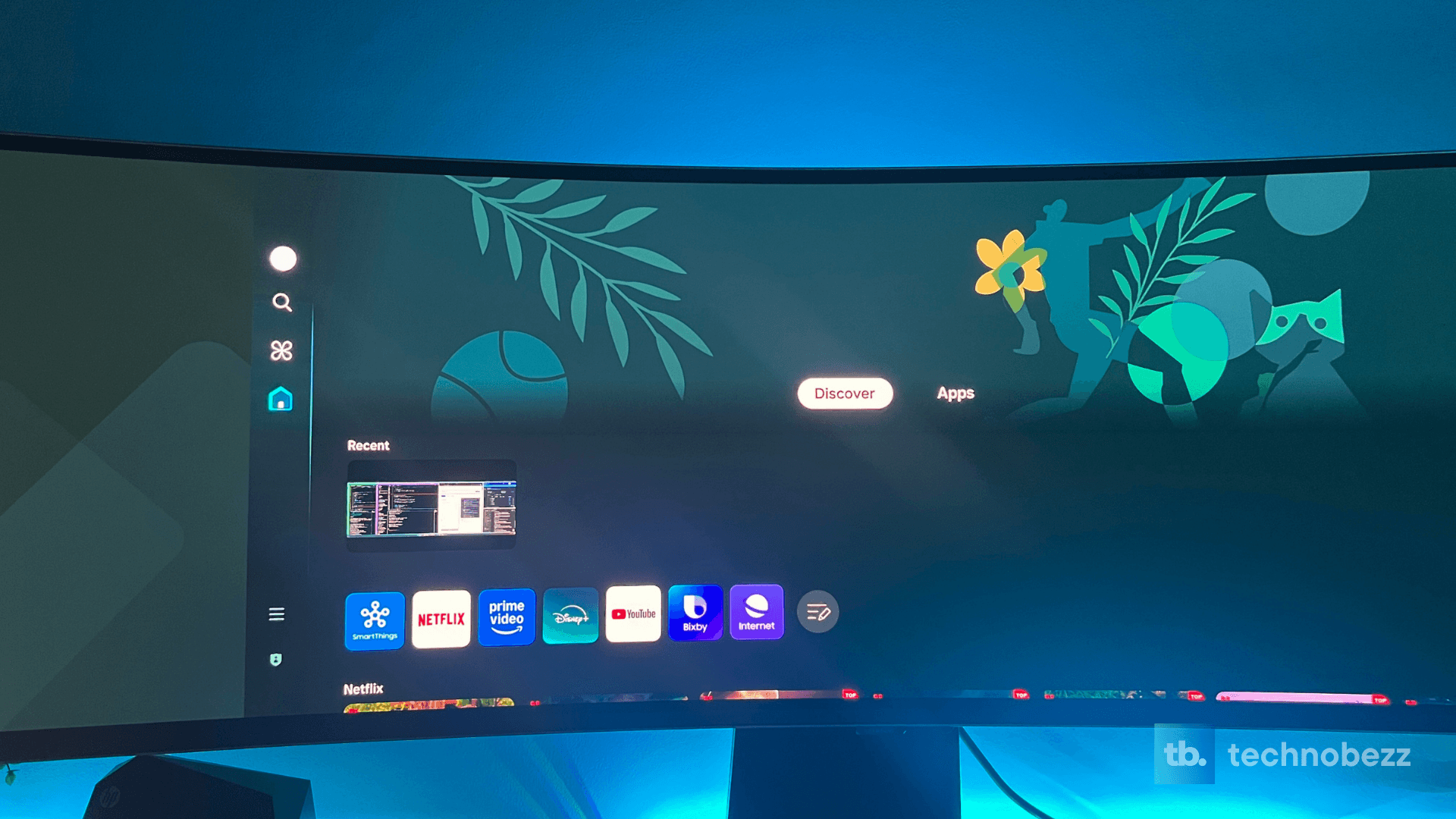
The requirement to create a Samsung account and connect to the internet during setup feels unnecessary for a monitor. While the smart features work well, the interface is responsive and the included remote is convenient – they add complexity without significant benefit for the primary use case.
Connectivity options include HDMI 2.1, DisplayPort 1.4, and USB ports, but the absence of USB-C is disappointing. The multi-view feature that allows splitting the screen between two inputs works well, making it easy to use both a PC and laptop simultaneously.
Real-World Productivity Usage
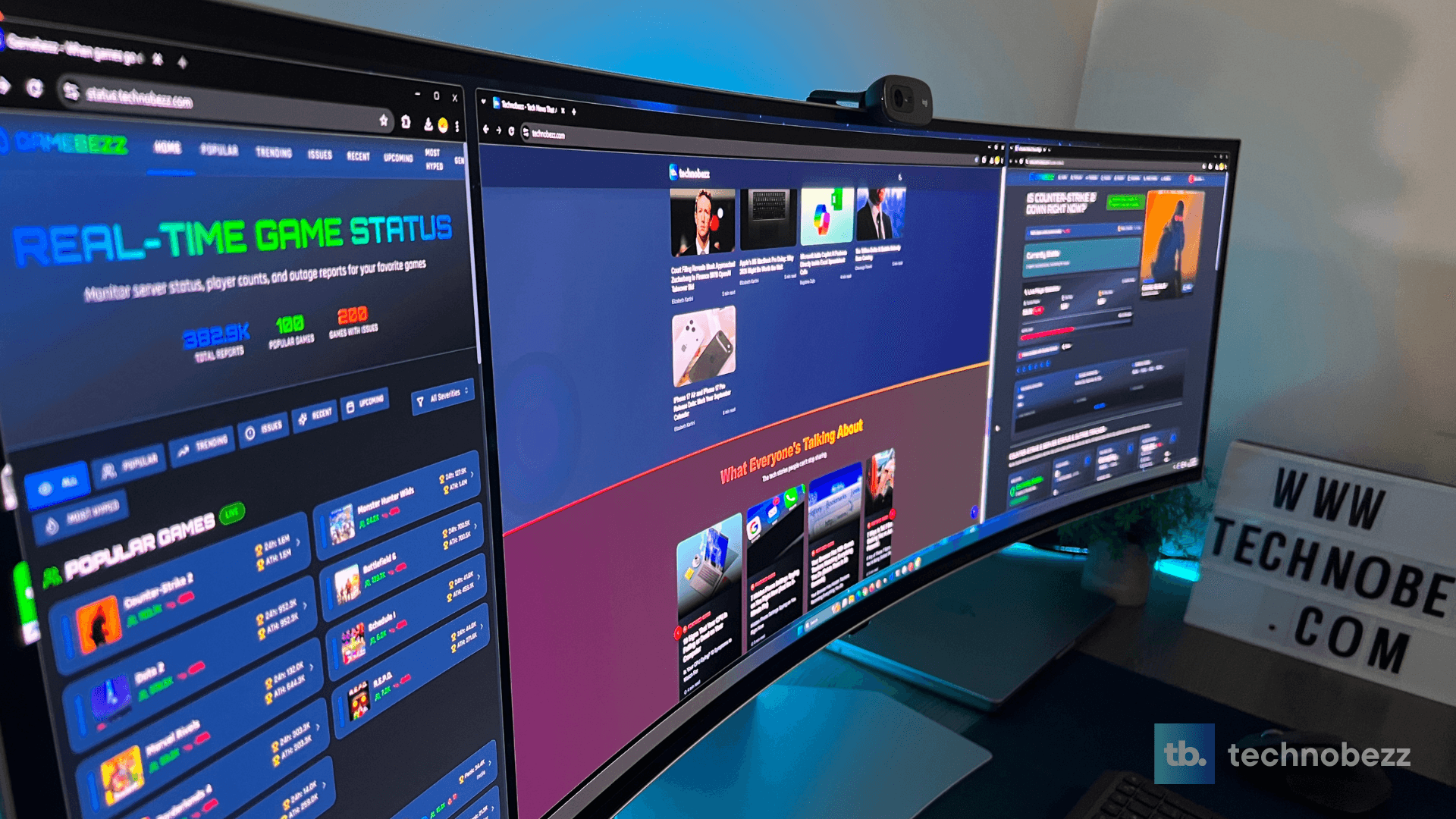
Where this monitor truly excels is in productivity scenarios. The 49-inch screen with 32:9 aspect ratio provides an incredible amount of screen real estate. Using FancyZones by PowerToys, I created multiple layouts for different workflows – software development, content writing, video editing, and general multitasking.
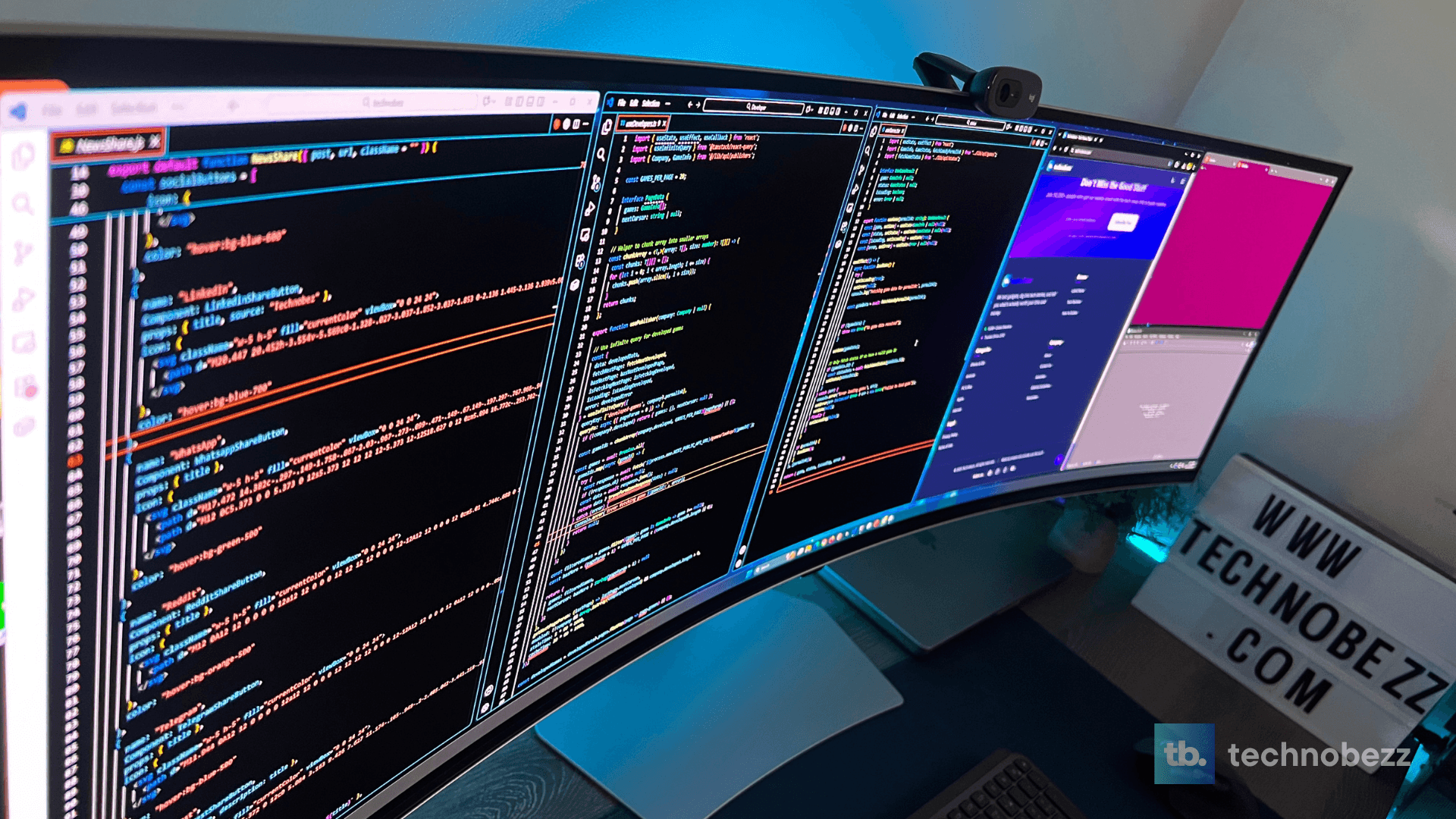
The productivity benefits are substantial. I measured my workflow efficiency increasing by approximately 40-50% for certain tasks. Having multiple applications visible simultaneously eliminates the need for constant window switching and virtual desktop management.
The transition from a dual-monitor setup to this single ultrawide was surprisingly smooth. The absence of bezels in the middle creates a seamless workspace that feels more focused than managing two separate displays.
Verdict: Who Should Buy This
After weeks of intensive testing, I can confidently say the Samsung Odyssey OLED G9 is an exceptional monitor for specific use cases, but it’s not for everyone.
Buy this monitor if:
- You’re a serious gamer who values immersion over competitive edge
- You work extensively with multimedia content and benefit from color accuracy
- Your productivity workflow involves heavy multitasking across multiple applications
- You have the desk space and GPU power to drive this display properly
- The $1,400 price point fits your budget
Avoid this monitor if:
- You primarily play older games with limited ultrawide support
- You’re on a tight budget – this is a premium product with premium pricing
- Your desk space is limited
- You need USB-C connectivity for modern laptop workflows
Pros & Cons
Pros:
- Exceptional QD-OLED color performance with true blacks
- Massive 49-inch screen provides incredible productivity benefits
- 240Hz refresh rate with excellent motion handling
- Competent built-in speakers that exceed expectations
- Well-executed 1800R curvature for comfortable viewing
- Comprehensive gaming features and customization options
- Sturdy, attractive design with subtle RGB lighting
Cons:
- Inconsistent 32:9 aspect ratio support in games
- No USB-C connectivity at this premium price point
- Requires significant desk space and GPU power
Frequently Asked Questions
How much GPU power do I need to drive this monitor?
You’ll want at least an RTX 4070 or equivalent for comfortable gaming at native resolution. My RTX 5070 Ti handled most games well, but demanding titles will challenge even high-end systems.
Does the monitor suffer from burn-in issues?
Samsung includes a 3-year warranty that covers burn-in, and their OLED Safeguard+ technology helps prevent it. However, OLED technology inherently carries some burn-in risk, so consider your usage patterns carefully.
How does it compare to the Neo G9?
The OLED G9 offers superior contrast and pixel response but lower peak brightness than the Mini LED Neo G9. The Neo G9 can get brighter but suffers from blooming in dark scenes.
Is the smart TV functionality useful?
For most users, probably not. The primary use case for this monitor is PC or console gaming, and the smart features feel like an afterthought. They work well but add complexity without significant benefit.
What’s the actual response time in real usage?
While Samsung claims 0.03ms, real-world performance is closer to what you’d expect from a high-end gaming monitor – excellent, but not quite the marketing number. The panel is incredibly fast and responsive for gaming.
Final Thoughts
The Samsung Odyssey OLED G9 is a monitor of extremes. It delivers some of the most spectacular visual performance I’ve ever experienced while simultaneously revealing compromises that potential buyers must carefully consider. The QD-OLED technology creates breathtaking colors and infinite contrast that LCD panels simply can’t match.
You might read online about text clarity concerns with QD-OLED panels, but honestly? I haven’t had any issues during my testing. The second-generation panel in this G95SD has notably improved text rendering compared to first-gen OLED monitors. Unless you’re extremely picky about text or doing intensive text-heavy work for 8+ hours a day, it’s really not the problem some make it out to be.
At $1,400, this is a premium product with premium expectations. If your use case aligns with its strengths – immersive gaming, multimedia content creation, and heavy multitasking – it’s arguably one of the best monitors available.
After three weeks of testing, I’ve grown to appreciate what Samsung has accomplished while remaining critical of where they’ve fallen short. The Odyssey OLED G9 isn’t perfect, but for the right user, it’s close enough to justify the substantial investment.
creditSource link
