
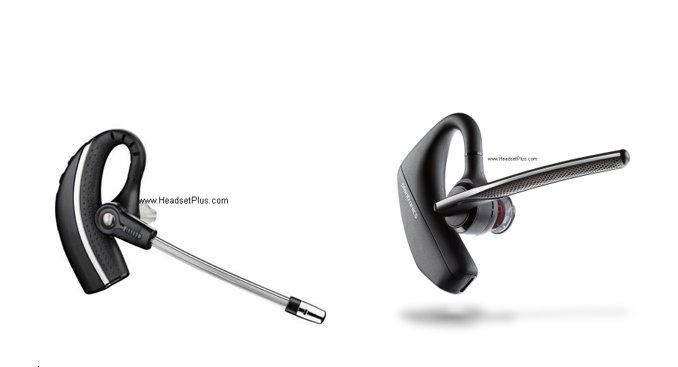
Plantronics CS530, Savi W730, Voyager 5200 office, 5200 UC Replacement Battery Leave a comment
You love your Plantronics CS530, Savi W730 or Poly Voyager 5200, but suddenly it stopped working or the battery is not giving the same like time as before and want to replace the battery? I got bittersweet news for you, this is not possible and we will explain of why.
The CS530 and 5200 headsets are on over the ear only wearing style headsets, with a minimalistic design and for the same reason their Lithium-ion battery which is a smaller unit is soldered into the headset by itself and for same reason replacing the battery is not recommended as first of all, you will need to have experience in soldering small components, next to have patience and lastly willing to create a “Frankenstein monster” of your own and risking some bad results.
Back on the days, the CS530 and Savi W730 wireless headsets used to have spare replacement headsets for the bases, however as you are aware, these units are outdated and got discontinued by Plantronics and eventually the spare parts got faced out and no longer available for purchase. After that being said, the only thing to do when you reach this point would be replacing the whole system, on the bright side is that there are newer and fresher headsets from Poly (formerly Plantronics) that would be a nice fit as those outdated units and with new features that actually fill more gaps left by the old one.
For replacing a Plantronics CS530 headset you will need to upgrade to the new Poly Voyager 5200 Office Bluetooth Headset 1-Way Base, this is a Bluetooth Class 1 headset with a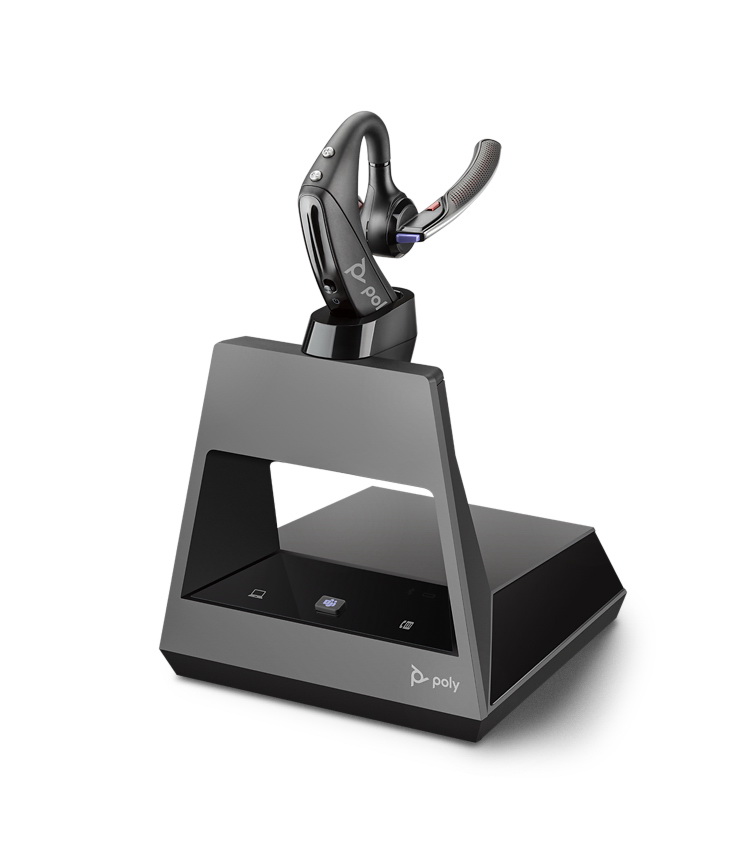 similar range as the CS530 of up to 250-300 feet on line of sight, with a fresher design and now with voice commands built in. The 5200 Office 1-way base
 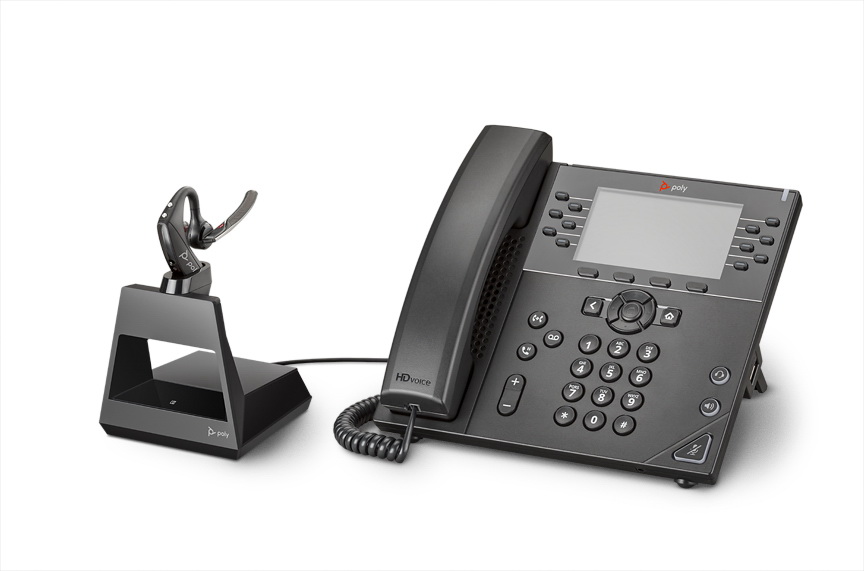 is fully compatible with your desk phone and on top of that you can pair it with your smart phone and if want to you can take the headset out of the office and keep using it with your smart phone or tablet. The 5200 headset offers WindSmart technology, that offers the best microphone performance when used outdoors, making it a nice upgrade over the old one. You can learn of it HERE.
If you need to upgrade your Savi W730 headset, the natural choice will be the new Poly Voyager 5200 Office Bluetooth Headset 2-Way Base. With a similar range as the old one 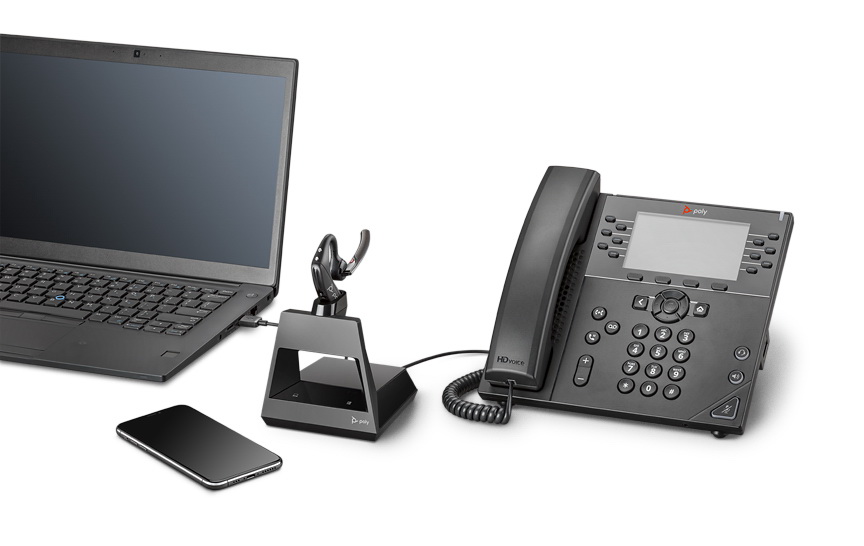 of up to 300 feet on line of sight, the Voyager 5200 Office 2-way base is fully compatible with your desk phone, computer and your smart phone. The main difference when pairing would be that when you pair your smart phone to the headset you will have to do it directly to the headset and not into the base like before, and for the same reason you can take the headset with you out of the office and keep using it on the road, the headset comes pre paired to the base so no need to worry to pair it every time you take the headset out, once you walk in back the office and the headset recognize the base you will hear the voice command “Base Paired” and that will give your the cue that now the headset is working with the desk phone and the computer at the same time with your cell phone, no need to unpair the cell phone as the headset will recognize it if you get a call there. You can learn more HERE.
Voyager 5200 Office Bases are fully compatible with Plantronics EHS and lifters and its an easy transition from one to the other, simply unplug the old base from the adapters/lifters and plug the new one and would work right away.
* Special Note: When plugging the Voyager 5200 Office base, make sure that first you plug in the desk phone and not other devices as the cell phone or computer as this will make those devices the primary one and for that reason you might not answer your desk phone. If this occurs, you need to download the Poly Lens app and go to Settings and change the primary device to “Desk phone”.
If you have a 5200 UC or Voyager 5200 Office Base headset and your battery is dying, would be the same principle that we had discussed before, but in your case would be a little less complicated, and will explain below.
The replacement for a Voyager 5200 UC or Voyager 5200 Office base would be the Voyager 5200 UC Bluetooth USB Headset Teams. The process is really simple, with the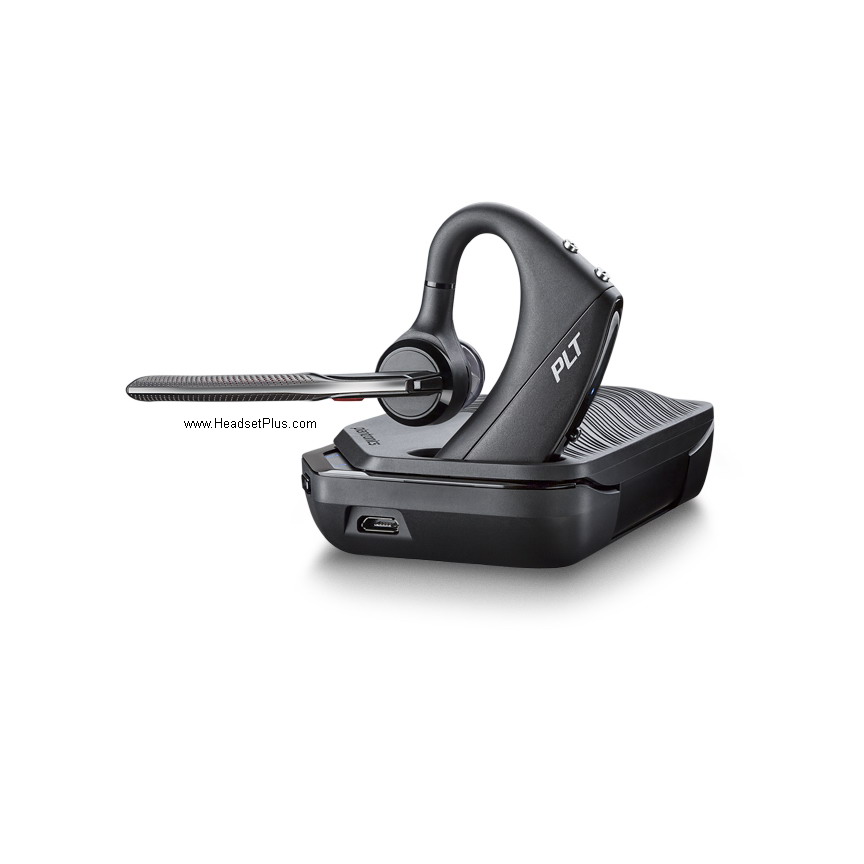 new unit with the UC version, you only need to unplug
 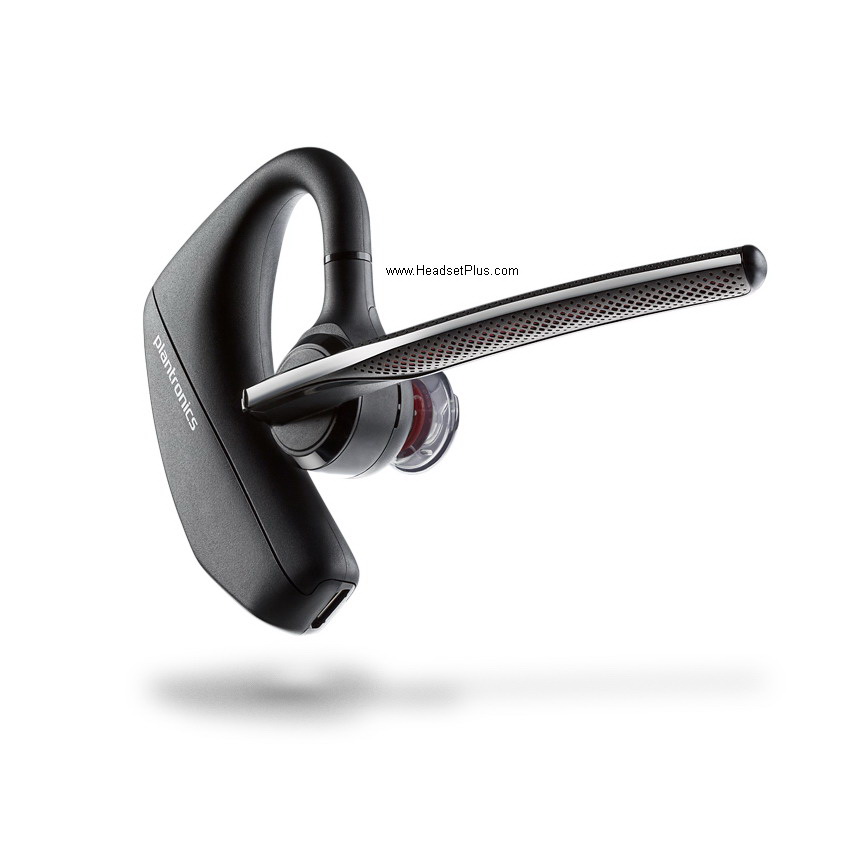 your current BT700 or BT600 dongle and plug the new BT700 included and the headset will come pre paired and will recognize the computer right away. If you want to keep using your current Bluetooth Dongle you will need to go to the Poly Lens app, then Setting and put your dongle on “Pairing Mode”, follow this you will need to put your new headset
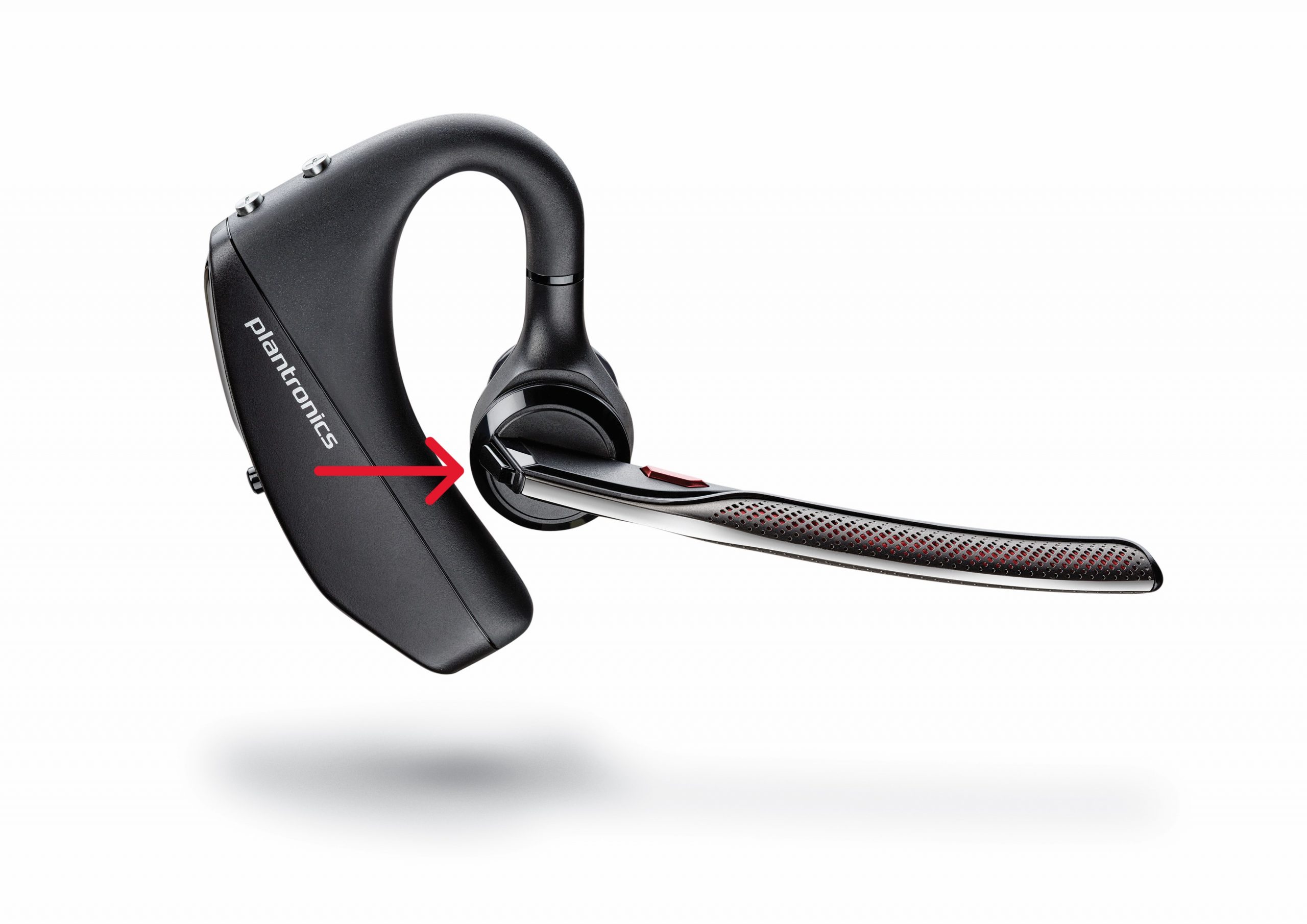 on “Pairing Mode” as well by pressing the Call button until you hear “pairing” and the LEDs of the headset flashes blue and red, once the headset find the dongle you will heat “pair successful” and “PC connects”, you will see the blue light of your dongle on on solid blue meaning its paired.
For your Voyager 5200 Office the replacement headset would be the Voyager 5200 UC Bluetooth USB Headset Teams, and the process here would be similar as described before. You will not need to use the included BT700 Dongle as the base offers a better connection and further range.  Here you don’t need to use your Poly Lens app to put the base on pairing mode as its a more physical mode. You need to go to the back of your Office Base and put it in pair mode by pressing and holding the Bluetooth pairing button for 2 seconds until you see the panels Bluetooth icon flashing blue and red. Then put the headset in pairing mode the same way as described before, by pressing the Call button until you hearing
 “Pairing”, then both devices will encounter each other and you will hear “pairing successful” followed by “base connected” and you will see the flashing to stop on the base and the blue light of the Bluetooth icon on your base on solid blue.
Voyager 5200 UC come with USB-A BT700 dongle and might will come with a USB-A to USB-C adapter, this will depend on the manufacturing time and 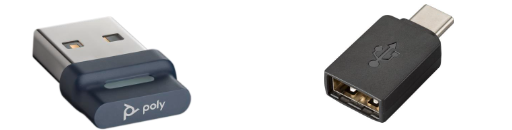 location time. Both models works with both PC and MAC and this change doesn’t affect the performance of them and both comes with the same warranty from Poly.
creditSource link
